Student Access to PowerSchool Grades

Navigate to PowerSchool and Log In

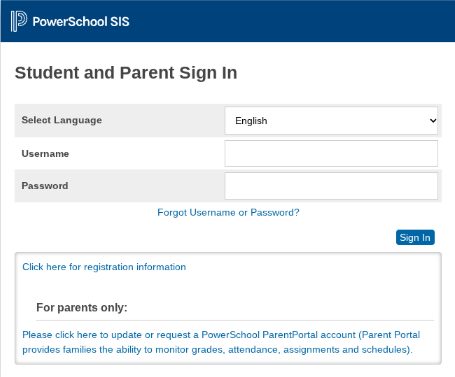
1. Navigate to the PowerSchool Login Page.

2. Log in using your SCS student ID and password.

PowerSchool Student and Parent Sign In page

View Course and Assignment Scores

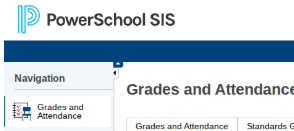
1. Navigate to "Grades and Attendance" using the left-hand navigation menu.

PowerSchool Grades and Attendance Navigation Item
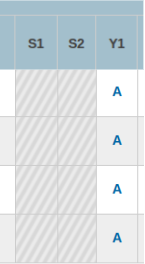
2. Click on the letter grade for the course you want to view.
PowerSchool Grade List
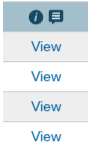
3. View the individual course grades and click "view" next to an assignment to review the feedback from your teacher.
PowerSchool View links for multiple courses
4. Click the "Show Standards" button to view the standards associated with the assignment.
PowerSchool Show Standards buttons for multiple courses